









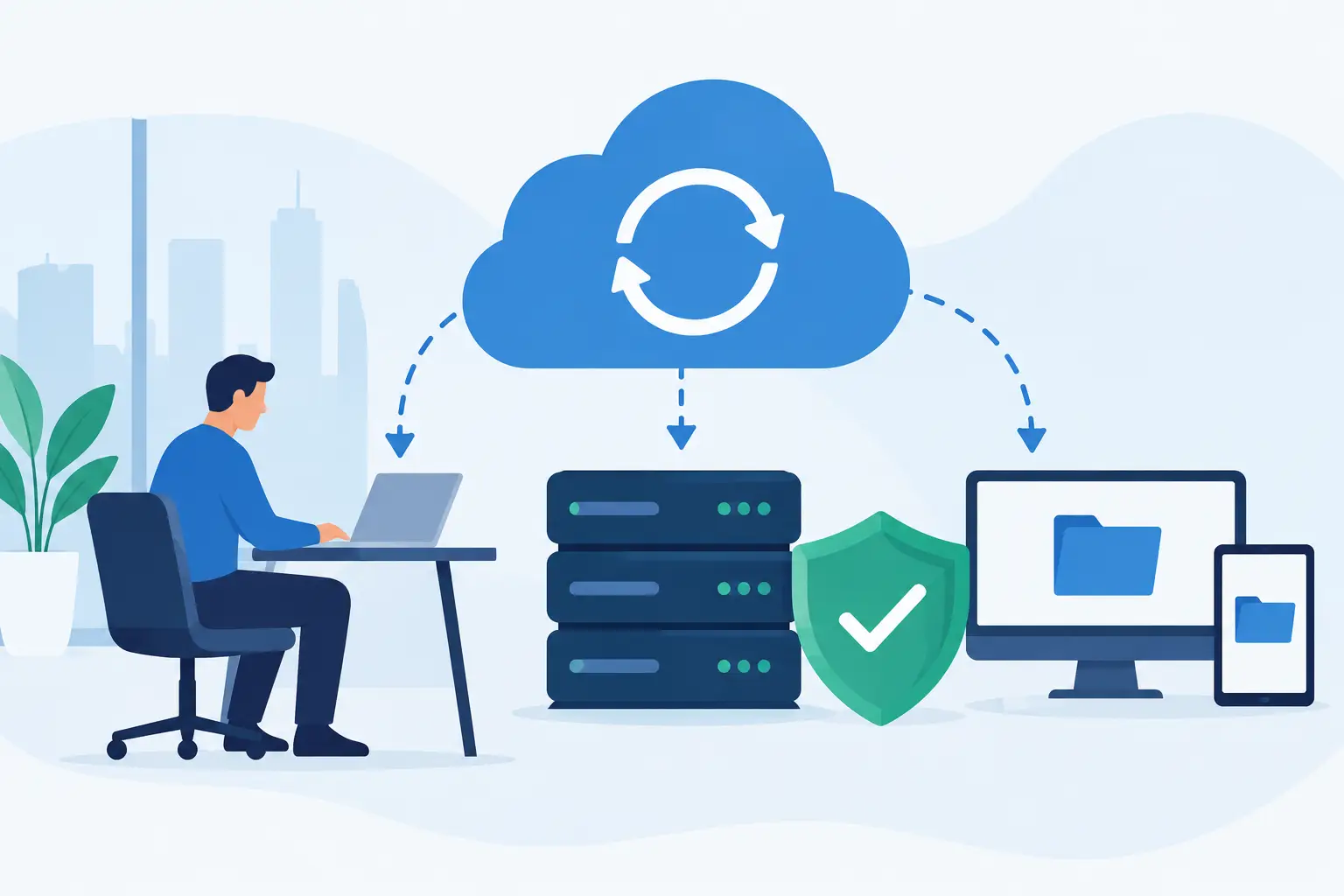
A lost shared drive, a ransomware message, or a failed website update can stop a small business faster than most owners expect. Data backup planning gives your team a clear way to recover the files, systems, and digital assets that keep customers served and work moving. It is not just an IT task. It is an operational decision about how long your business can afford to be without access to critical information.
For many small and midsize businesses, the problem is not that backups do not exist. The problem is that nobody is certain what is being backed up, where it is stored, whether it can be restored, or who is responsible when something goes wrong. A workable plan replaces those assumptions with clear answers.
Start Data Backup Planning With Business Priorities
Not every file and system needs the same level of protection. A marketing folder with older graphics may be useful, but it is not as time-sensitive as accounting records, client documents, scheduling software, email, or the website that generates leads.
Start by identifying the systems your team needs to operate on a normal day. This often includes company files, cloud storage, email, accounting platforms, customer relationship management data, line-of-business applications, employee devices, website files, databases, domain settings, and password records. Include information stored outside the office, such as data in software subscriptions or on an employee laptop.
Then ask two direct questions for each item: how much data can we afford to lose, and how long can we afford to be without it? The answers determine the type and frequency of backup your business needs.
For example, a construction company may need current project documents restored within hours so field teams can keep working. A professional services firm may place a higher priority on client records, email, and document history. An ecommerce business may need website files, product data, order records, and payment-related configurations protected with minimal interruption. The right plan depends on how your business actually operates.
Define Recovery Goals Before Choosing Backup Tools
Backup products can sound similar, but a tool is only useful when it supports a defined recovery goal. Two measurements make this easier to discuss: recovery point objective and recovery time objective.
Your recovery point objective is the amount of data loss your business can accept. If files are backed up once per day, an incident late in the afternoon could mean losing a full day of work. If that is unacceptable, backups need to run more often.
Your recovery time objective is how quickly a system must be restored. Restoring a few documents may take minutes. Recovering an entire server, application, or website can take much longer, especially if the data must be downloaded from cloud storage or rebuilt on replacement hardware.
These goals do not need to be overly technical. A simple statement is enough: payroll files must be available by the next business day, active client documents must be recoverable within four hours, and the primary website should be restored within two hours. Those targets help your IT partner recommend an approach that fits the business rather than selling more storage than you need.
Use More Than One Layer of Protection
A single copy of data is not a backup. Neither is a file that exists only in one cloud platform, on one office server, or on one employee’s laptop. Accounts can be compromised, hardware can fail, and sync services can spread an accidental deletion across every connected device.
A practical approach often follows the 3-2-1 principle: maintain at least three copies of important data, keep them on two different types of storage, and store one copy away from the primary location. For some organizations, an additional protected or immutable copy is worthwhile because ransomware may attempt to encrypt or delete accessible backups.
This does not mean every business needs a complicated enterprise system. A small office might use managed cloud backup alongside local recovery storage for critical systems. A company that runs primarily on Microsoft 365 or Google Workspace may need a separate backup solution for email, files, contacts, and shared drives. Cloud software provides valuable availability, but availability is not always the same as long-term backup and point-in-time restoration.
Your website deserves the same attention. A current website backup should include site files, the database, form submissions where applicable, and a documented way to restore the site. If your website supports lead generation, appointments, customer accounts, or online payments, downtime has a direct business cost.
Protect the Details That Make Recovery Possible
Recovering data is only part of the job. Your team also needs the information required to access systems and put them back into service. That includes administrator credentials, domain registrar access, hosting details, software licenses, encryption keys, network documentation, vendor contacts, and instructions for key workflows.
Store this documentation securely and limit access to the people who need it. A password manager with shared administrative access is generally safer than passing credentials through email, text messages, or spreadsheets. Just as importantly, make sure access does not depend on one employee’s personal account or memory.
Document ownership as well. Someone should be responsible for reviewing backup alerts, escalating failures, approving retention periods, and coordinating recovery when needed. In a small business, that person may be an office manager working with an outside IT team. The role matters more than the job title.
Test Restores, Not Just Backup Reports
A successful backup notification confirms that data was copied somewhere. It does not prove that the backup is complete, accessible, or capable of restoring the system you need. Restore testing is where data backup planning becomes dependable.
Test a few realistic situations throughout the year. Restore a deleted document to its original location. Recover a mailbox item. Bring back a prior version of a website page or database. If your business depends on a server or specialized application, test whether it can be recovered within the time your operations require.
Testing also exposes gaps that reports may miss. You may find that a backup excludes a new folder, that a former employee owns a critical cloud account, or that restoration requires a license key nobody saved. Finding those issues during a planned test is far less costly than finding them during a disruption.
The testing schedule should reflect the risk. Businesses with highly active customer data or revenue-producing websites may test more often. A lower-risk environment might perform a formal restore test quarterly, with automated monitoring reviewed regularly in between.
Plan for Ransomware, Accidents, and Everyday Change
Ransomware gets attention because the impact can be severe, but ordinary mistakes are more common. A user overwrites a spreadsheet, deletes a folder, sends an incorrect file, or changes a website setting without realizing the effect. Version history and point-in-time recovery can turn those events from a major interruption into a short support request.
Security and backup planning should work together. Multi-factor authentication, timely software updates, employee awareness, limited administrative access, and endpoint protection all reduce the chance of an incident. Backups reduce the damage if one still occurs.
Your plan also needs to change as the business changes. Adding a new employee, moving files into a new platform, launching a customer portal, replacing accounting software, or redesigning a website can create new data that falls outside existing backup coverage. Include a backup review in project closeout and employee onboarding or offboarding procedures.
Keep the Plan Clear Enough to Use Under Pressure
The best backup plan is not a binder full of technical terms that nobody opens until a crisis. It should be a short, current document that explains what is protected, how often backups run, where they are stored, how long they are retained, who receives alerts, and who makes recovery decisions.
It should also define communication during an outage. Employees need to know where to report an issue and what temporary processes to follow. Managers need to know who will contact vendors, customers, or leadership if an interruption affects service. Clear roles prevent a technical problem from becoming a coordination problem.
For Utah businesses managing day-to-day support, websites, cloud tools, and internal workflows, having one accountable technology partner can simplify this process. Set IT Solutions can help businesses review what matters most, close backup gaps, and build recovery procedures that support normal operations rather than add another confusing system to manage.
A useful backup plan gives your team a calm next step when something breaks: identify the impact, restore the right version, verify that systems work, and get back to serving customers. That level of preparedness is worth building before you need it.