









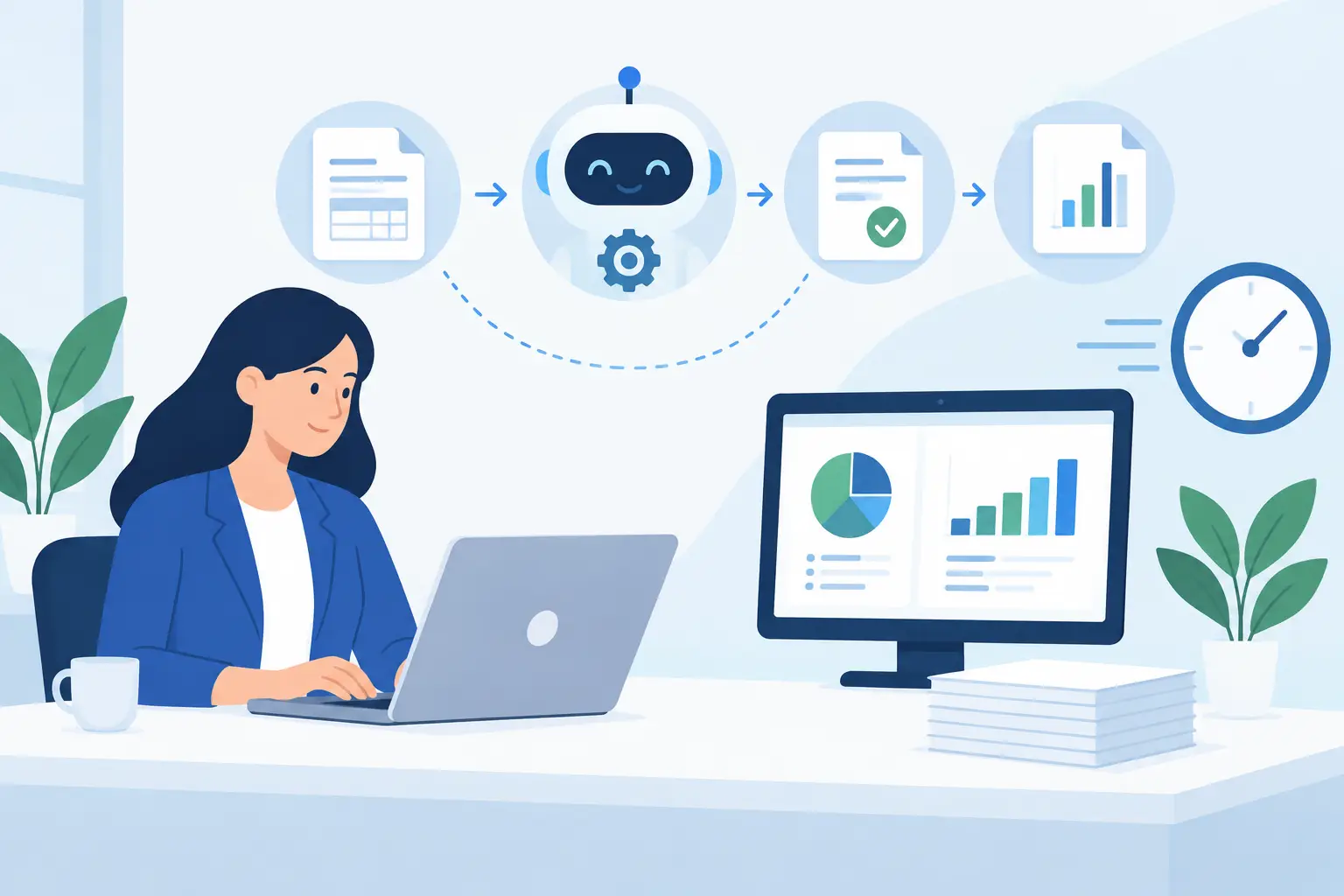
A missing receipt should not delay a vendor payment for two weeks. Yet for many small and midsize businesses, that is exactly what happens when invoices arrive by email, approvals happen in hallway conversations, and accounting staff must re-enter the same information in multiple places. Accounting workflow automation gives those routine handoffs a defined path, so financial work moves forward without constant chasing.
The goal is not to replace the people who understand your business, vendors, and financial decisions. It is to remove the repetitive work that slows them down, creates avoidable errors, and makes month-end feel more difficult than it should. Done well, automation creates a clearer process for the entire team.
What Accounting Workflow Automation Actually Does
Accounting workflow automation uses connected tools, rules, and notifications to move common financial tasks through a repeatable process. Instead of relying on someone to remember every follow-up, the system can route an invoice to the right approver, flag missing information, update a status, and record the activity for later review.
For a growing business, the most useful workflows are usually straightforward. They address the work that happens repeatedly: accounts payable, expense reporting, purchase requests, customer invoicing, payment reminders, document collection, and approval tracking.
A practical automated workflow might begin when a vendor invoice reaches a dedicated inbox. The document is captured, key fields are reviewed or extracted, and the invoice is matched to the appropriate department or purchase order. If the amount is below a set threshold, it goes to one manager. If it exceeds that threshold, it moves to a second approver. The accounting team can see where it stands without sending a separate email asking for an update.
That visibility matters. Automation is not only about faster data entry. It gives owners and operations leaders a more reliable answer when they ask, “What is waiting for approval?” or “Why has this bill not been paid?”
Where Automation Produces the Best Results
Not every accounting task should be automated first. The best candidates are high-volume activities with clear steps, predictable rules, and frequent delays. Start with processes that create the most follow-up work for your accounting or office team.
Accounts payable and invoice approvals
Invoice approvals are often the first place businesses see a return. A shared process reduces the risk of invoices sitting in one employee’s inbox while late fees accumulate. It also creates a record of who approved a charge and when.
The right setup should account for exceptions. A recurring utility bill may need a faster route than a new vendor invoice. An invoice with no purchase order may need an extra review. Automation handles the normal path consistently, while exceptions are sent to the right person instead of becoming invisible.
Employee expenses and reimbursements
Expense reports commonly create small but persistent delays. Employees submit receipts late, managers approve incomplete requests, and accounting has to request clarification. A digital workflow can require receipts, categorize expenses, send reminders, and prevent incomplete submissions from moving forward.
This is especially helpful for teams that work across job sites, serve clients remotely, or have managers who are not in the office every day. Employees can submit documentation from a phone, while the accounting team has a central record rather than a collection of photos and email attachments.
Customer invoicing and payment follow-up
For service businesses, invoicing delays directly affect cash flow. An automated process can generate invoices after a project milestone, route them for a final review, send them on schedule, and remind customers when balances are coming due.
Automation should not make customer communication feel impersonal. It can handle routine reminders, but a longtime customer with a disputed charge or unusual billing arrangement may need a direct call. The purpose is to make sure your team has time for those conversations because routine follow-up is already covered.
Month-end document collection
Month-end becomes more manageable when documents are collected throughout the month. Bank statements, receipts, contractor forms, sales records, and other source documents can be requested and stored in a consistent location. Automated reminders are useful here because they make the process less dependent on one employee tracking everyone down.
Build the Process Before Choosing the Technology
The most common automation mistake is trying to solve a messy process with more software. If no one agrees on who can approve a purchase, what information an invoice needs, or where supporting documents belong, adding a workflow tool will only move the confusion into a new system.
Before implementing anything, map the current process from start to finish. Identify where work enters, who touches it, what decision points exist, and where it usually stalls. You may find that the problem is not data entry. It may be that approvals are unclear, vendor records are inconsistent, or staff members are using different storage locations.
Then define the rules in plain language. For example: invoices under a certain amount go to the department manager; invoices over that amount require owner approval; invoices without a purchase order are held for review; approved invoices are scheduled for payment on set days. Clear rules make it easier to configure tools and easier for staff to trust the process.
It also helps to assign ownership. Someone should be responsible for reviewing failed automations, updating approval rules, and answering questions when an exception occurs. Automated workflows still need human oversight, particularly as your team, vendors, and financial policies change.
Keep Accounting Workflow Automation Connected
A workflow works best when the systems people already use can share the right information. Your accounting platform may need to connect with email, document storage, payment tools, customer relationship management software, time tracking, or an internal request form.
That does not mean every system needs to integrate with every other system. Too many connections can create maintenance issues and make troubleshooting harder. Focus on the handoffs that create real work today, such as moving approved invoices into accounting or bringing completed job details into the invoicing process.
Security should be part of the design from the beginning. Financial data, bank details, and payment permissions require appropriate access controls. Limit who can approve payments, change vendor information, or view sensitive documents. Use role-based access where possible, and review permissions when employees change roles or leave the company.
A dependable technology partner can help evaluate these connections without overcomplicating the setup. For businesses that already rely on several vendors for IT support, websites, software, and operational tools, one coordinated team can reduce the gaps between systems and support the people using them.
Measure What Changes After Implementation
You do not need a large finance department to measure whether automation is working. Track a few practical indicators before and after launch: the time from invoice receipt to approval, the number of overdue vendor bills, the number of incomplete expense submissions, days sales outstanding, and the time required to close the month.
Also ask the people doing the work. If staff are still copying information between systems or maintaining an off-system spreadsheet to keep the process moving, the workflow needs adjustment. The best automation reduces effort without hiding important decisions.
Start with one process, test it with the people who use it, and refine the rules before expanding. A simple invoice approval workflow that employees follow is more valuable than a broad rollout that creates confusion.
Accounting workflow automation should make the financial side of the business easier to manage, not harder to understand. When routine tasks move through a clear, reliable process, your team can spend less time tracking paperwork and more time making timely decisions for the business.