









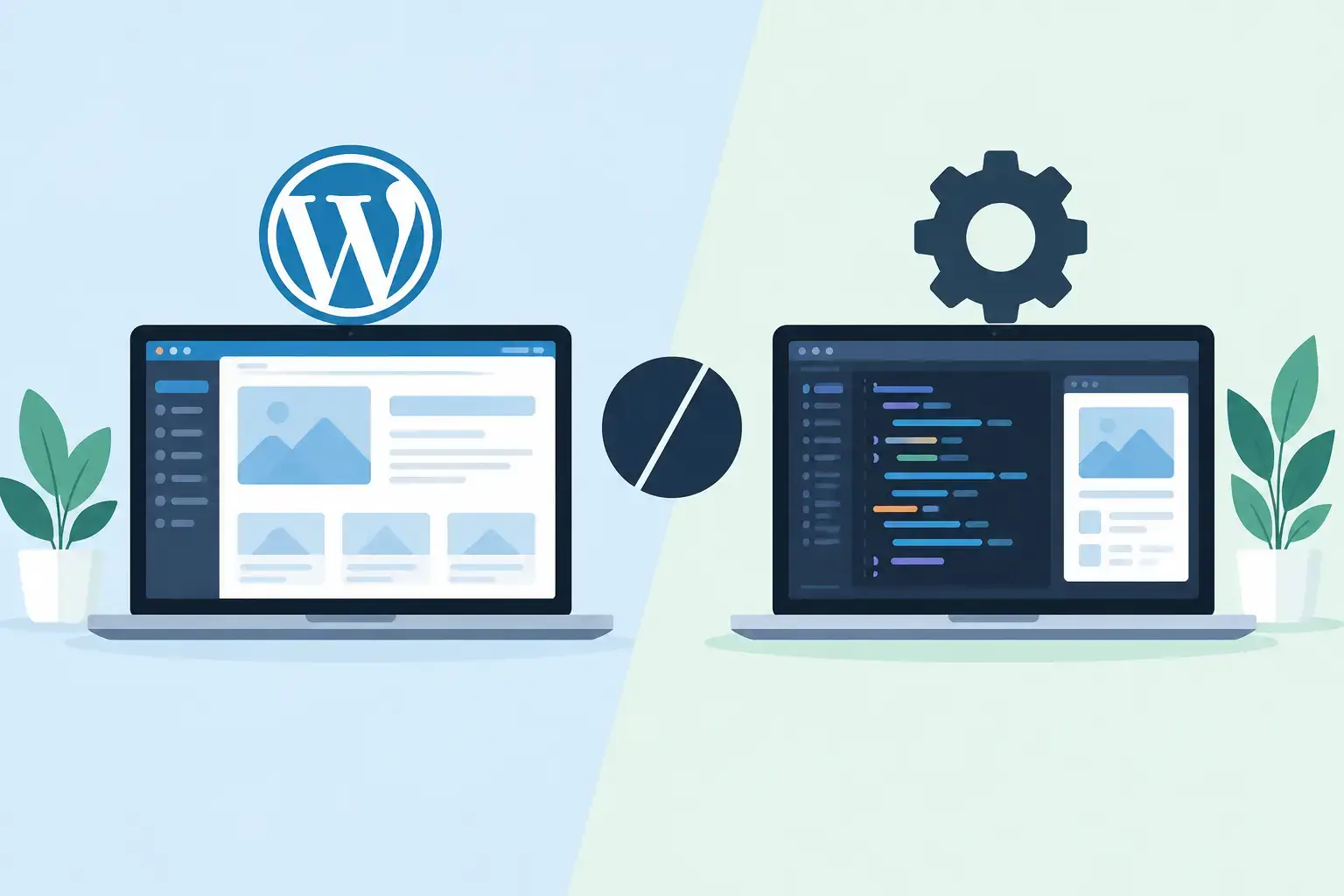
A website decision can affect far more than how your homepage looks. It shapes how quickly your team can publish updates, how easily customers can find information, what it costs to maintain the site, and whether it can support the next stage of your business. When comparing a WordPress versus custom website, the best choice is usually the one that fits the job your website needs to do – not the one that sounds more advanced.
For many Utah small and midsize businesses, WordPress is a practical way to launch a professional, conversion-focused site without paying for custom software where it is not needed. For others, a custom-built website provides the control needed for a unique customer process, internal workflow, or portal. The difference matters, but it is not as simple as “basic” versus “better.”
WordPress versus custom website: start with the business job
Before selecting a platform, identify the work your website needs to perform. A service company that needs to explain offerings, show completed projects, collect leads, and publish occasional updates has different requirements than a business that needs customers to submit applications, access account-specific documents, schedule complex services, or interact with operational data.
WordPress is a content management system. It gives businesses a structured way to build pages, manage text and images, add forms, and extend functionality with established tools. A custom website is designed and developed around specific requirements, often using a tailored front end, custom database logic, and integrations selected for the business.
The right question is not, “Can WordPress do this?” In many cases, it can. The more useful question is, “Will WordPress handle this reliably and simply over time, or are we forcing a content website to behave like business software?”
When WordPress is the practical choice
WordPress works especially well when the site’s primary purpose is marketing, communication, and lead generation. It is a strong option for professional service firms, contractors, local retailers, healthcare offices, property businesses, nonprofit organizations, and many other companies that need a clear online presence without a complex application behind it.
A well-built WordPress site gives your team control over routine updates. You can add a new service page, post a project photo, update staff information, revise office hours, or publish a blog article without asking a developer to edit code for every change. That independence matters when accurate information helps customers make a decision.
It can also be cost-effective. The core platform is widely supported, and many standard functions have reliable solutions available, including contact forms, appointment requests, basic e-commerce, email marketing connections, search engine tools, and accessibility improvements. Development time can stay focused on strategy, design, content structure, and conversion paths instead of rebuilding common functions from scratch.
That said, WordPress only remains practical when it is maintained properly. Themes, plugins, and the core platform need updates. Forms need testing. Backups, security monitoring, and performance checks should be part of ongoing website support. A neglected WordPress site can become slow, vulnerable, or difficult to update, especially when too many poorly selected plugins have accumulated over time.
The best WordPress use cases
WordPress is often a good fit when your business needs a polished brochure site, a service-focused site with lead forms, a content library, a basic online store, or a site your internal team can update regularly. It is also effective when speed to launch and reasonable initial cost are priorities.
The key is disciplined development. A WordPress site should not become a collection of unrelated plugins added whenever a new request appears. It needs a clear page structure, a reliable theme or custom design system, limited and vetted extensions, and a maintenance plan after launch.
When a custom website is worth the investment
A custom website makes sense when the website itself is part of how the business operates. This may include a customer portal, a quote system with complex calculations, a membership experience with specialized permissions, a workflow dashboard, or a data-driven tool that must connect with other business systems.
In these situations, custom development allows the website to match your actual process instead of asking your staff and customers to work around a platform’s limits. The user experience can be designed around the steps people need to take. Data can be structured for your reporting needs. Integrations can be planned from the start rather than added as workarounds later.
Custom work also gives you more control over performance, security architecture, and future functionality. That does not mean every custom site is automatically faster or safer. Good results depend on experienced planning, clean development, testing, hosting, and long-term support. But when a business has specific requirements, a tailored solution can reduce friction that would otherwise cost time every day.
The trade-off is investment. A custom website generally requires more discovery, development, testing, and documentation. Future enhancements may also require the development team’s involvement. This is reasonable when the site supports revenue, customer service, or operations in a meaningful way. It is harder to justify when the business simply needs a better marketing site.
Cost is more than the launch price
A low initial price can become expensive if a site is difficult to update, generates weak leads, or creates support problems for staff. At the same time, paying for custom functionality that will rarely be used ties up budget that could improve marketing, IT support, or other operational needs.
With WordPress, ongoing costs usually include hosting, premium tools where appropriate, maintenance, backups, security checks, and periodic design or content improvements. With a custom website, costs may include hosting, application monitoring, support, updates, security review, and development time for improvements. Neither option is maintenance-free.
The difference is where the cost goes. WordPress often lowers the cost of common website features and content management. Custom development directs more budget toward features unique to your business. A dependable technology partner should explain both the initial investment and the ongoing responsibilities before the project begins.
Avoid the false choice between WordPress and custom
Many businesses do not need to choose one extreme. A WordPress marketing site can connect to custom tools, third-party platforms, or a separately built customer portal. This approach can keep public-facing content easy to manage while reserving custom development for the workflows that truly require it.
For example, a professional services firm may use WordPress for service pages, team biographies, case studies, and lead forms. Its clients could then access a separate secure portal for documents, project status, or requests. The public site stays flexible for marketing, while the portal is designed around privacy and workflow needs.
This hybrid approach is often more practical than trying to turn a marketing website into a full business application. It also allows the business to invest in phases. Start with the website that helps customers understand and contact you, then add specialized tools when the process and expected return are clear.
Questions to ask before choosing
A useful website planning conversation should cover more than colors and page count. Ask who will update the site after launch, what actions visitors need to take, which systems the site must connect to, and what information needs protection. Consider how many users will access the site, whether different users need different permissions, and what reporting the business needs.
Also consider the cost of delay. If your current site is outdated, hard to use on mobile devices, or failing to produce qualified leads, a straightforward WordPress rebuild may solve the immediate problem quickly. If your team is losing hours every week to manual requests, duplicate data entry, or unclear customer communication, custom workflow development may offer a better return.
A good decision is based on the next few years of business needs, not a feature list built around unlikely possibilities. Build for the requirements you understand, leave room to grow, and avoid adding complexity without a clear business reason.
Choose the platform your team can support
The most effective website is one your business can keep accurate, secure, and useful after it launches. That means assigning ownership, planning for updates, and having responsive support when something needs attention. Set IT Solutions helps businesses assess website needs alongside the IT, design, and operational systems that support them, so the website is not treated as an isolated project.
If your primary need is to present your business clearly and generate leads, WordPress may provide everything required with less overhead. If your website needs to power a specialized process, a custom solution may prevent bigger operational problems later. Start with the work the site must do for customers and employees, then choose the technology that makes that work easier to manage.