









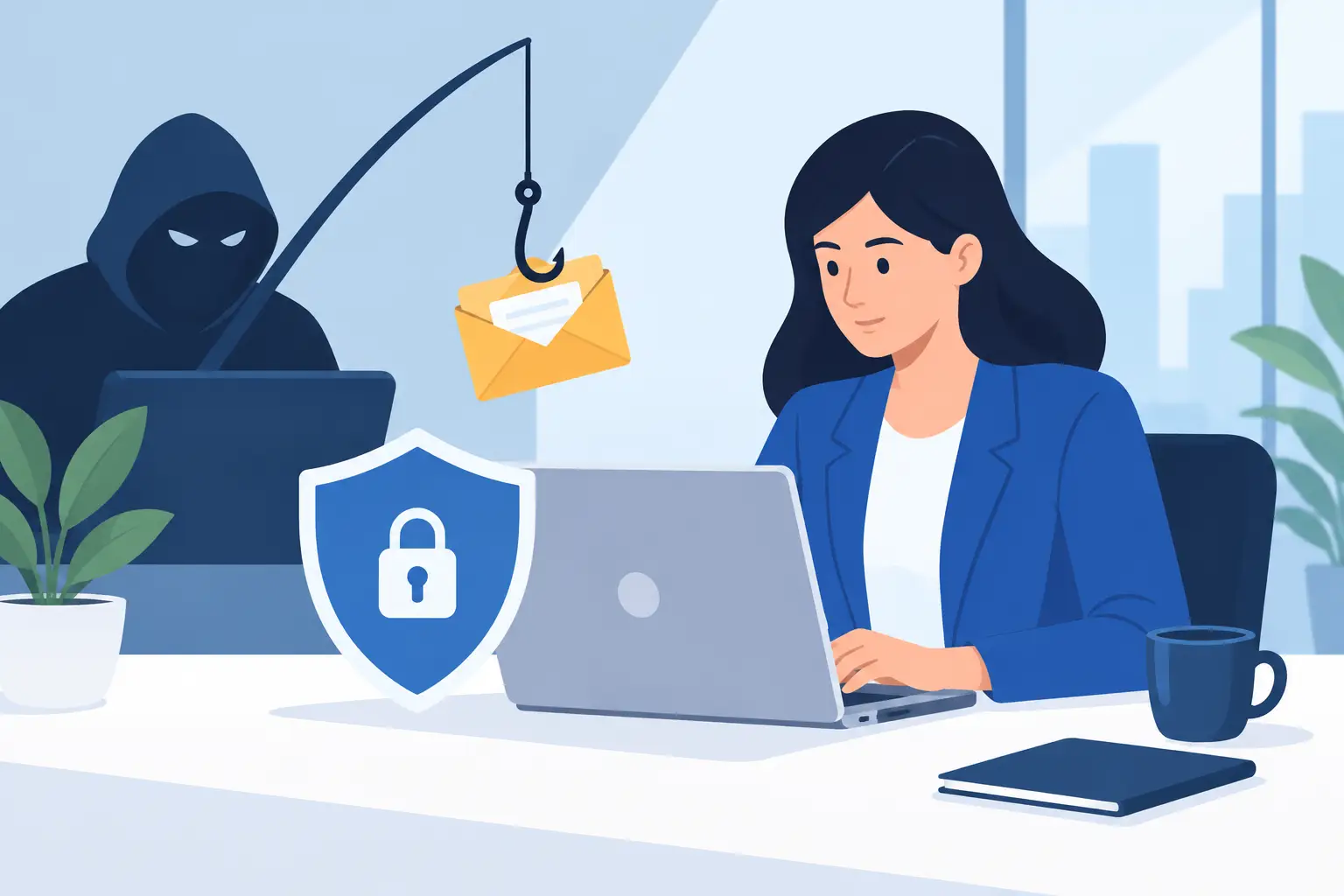
A convincing phishing email does not always look like an obvious scam. It may appear to come from a bank, a software provider, a customer, a company executive, or a familiar delivery service. For a small business, knowing how to prevent phishing attacks means protecting more than inboxes. It means protecting payroll, customer information, website access, financial accounts, and the ability to keep serving customers without disruption.
Phishing succeeds when a busy person is asked to make a quick decision. The message creates urgency, appears familiar enough to earn trust, and directs the recipient to click, sign in, open a file, or send sensitive information. The best defense is not one security tool or one annual training session. It is a practical set of habits, technical controls, and response procedures that make a single mistake less costly.
Why phishing is a business operations problem
A phishing attack can begin with one email and quickly become an operational issue. A stolen Microsoft 365 or Google Workspace password can give an attacker access to email history, contacts, shared files, invoices, and password reset messages. From there, they may impersonate an employee, redirect payments, send fraudulent invoices, or attempt to access other systems.
The financial loss is only part of the problem. A compromised mailbox can damage customer trust, delay projects, interrupt internal communication, and consume significant staff time. For businesses that rely on online scheduling, customer portals, websites, or cloud-based applications, downtime can affect revenue immediately.
That is why phishing prevention should be treated like any other business continuity measure. The goal is to reduce the likelihood of a successful attack and limit the damage if one person clicks the wrong link.
How to prevent phishing attacks before they reach employees
A strong prevention plan starts with the systems employees use every day. Email filtering, account security, device management, and sensible access controls work together to stop many threats before a person has to evaluate them.
Secure email accounts with multi-factor authentication
Multi-factor authentication, often called MFA, should be required for email, financial systems, cloud storage, website administration, and any platform containing customer or company data. A password alone is no longer enough protection, especially when employees reuse passwords or enter credentials on a fraudulent sign-in page.
MFA adds a second verification step, such as an authenticator app approval or security key. It does not eliminate every risk. An attacker may still try to pressure a user into approving a login request. But it makes a stolen password much less useful and provides an essential layer of protection.
Authenticator apps and security keys are generally safer than text-message codes, though text-message MFA is still better than no MFA. The right choice depends on the systems your business uses and how easily your staff can follow the process consistently.
Use email filtering and domain protection
Email security tools can identify suspicious senders, malicious attachments, spoofed domains, and known phishing links before messages reach the inbox. These filters should be monitored and adjusted over time, particularly if legitimate customer messages are being quarantined.
Your business should also protect its own domain from impersonation. Email authentication settings help receiving mail systems verify that a message claiming to come from your domain is legitimate. Proper setup reduces the chance that criminals can send fake messages using your company name, which helps protect customers and vendors as well as employees.
Keep software and devices current
Phishing emails often lead to fake login pages, but they can also carry malicious files that exploit outdated software. Apply security updates to operating systems, web browsers, office applications, firewalls, and business software on a regular schedule.
Automatic updates are helpful, but they are not a complete plan. Someone should confirm that updates are installing correctly, that unsupported devices are replaced, and that employees are not using unmanaged personal computers for sensitive work without clear safeguards.
Limit access based on job responsibilities
Not everyone needs administrator access, access to financial accounts, or the ability to change website settings. Giving employees only the access they need reduces the potential damage from a compromised account.
This is especially relevant for shared business tools. Use individual accounts instead of shared logins whenever possible. Individual accounts make access easier to remove when roles change and make it easier to investigate suspicious activity. For unavoidable shared systems, store credentials in a business password manager rather than in a spreadsheet, browser notes, or email thread.
Train people to recognize the pressure tactics
Employees are a key part of phishing prevention, but training should not make them feel responsible for solving every security issue alone. The purpose is to help people pause, recognize common warning signs, and know exactly where to send a questionable message.
Short, recurring training works better than a single long presentation. Use examples that match the messages your team actually receives, such as fake invoice notices, password expiration warnings, HR requests, package delivery alerts, and requests from executives.
Teach employees to slow down when a message asks them to act urgently, pay money, share information, or sign in. A sender name that looks familiar is not enough. They should inspect the full email address, be cautious with unexpected attachments, and avoid using email links to access important accounts. Instead, they can open a new browser window and go directly to the known website.
Phishing messages often contain subtle clues: a misspelled domain, an unusual request, poor grammar, a link that does not match the stated destination, or a change in payment instructions. Still, modern phishing attempts can be polished and error-free. The more reliable warning sign is an unexpected request that bypasses normal business procedures.
For example, a message from a vendor asking to change bank account details should not be approved based on email alone. Confirm the request using a known phone number or an established contact method. The same principle applies to wire transfers, gift card purchases, payroll changes, and requests for confidential customer data.
Build verification into high-risk business processes
The best phishing defenses do not rely on memory or instinct during a busy day. They create a process that requires independent verification before a high-impact action occurs.
For payment requests, require a second person to review transfers above a set amount or any request involving new banking information. For password resets, account recovery, and changes to website ownership, confirm identity through a separate channel. For employees with access to sensitive systems, establish a clear approval process before granting administrator privileges.
These checks may feel slower than handling everything through email, but they are usually far less disruptive than recovering from fraudulent payments or a compromised account. The process can be simple. What matters is that the confirmation channel is independent from the suspicious message.
It also helps to document who is authorized to approve financial, technology, and customer-data decisions. When responsibilities are unclear, attackers have more room to exploit urgency and confusion.
Make reporting easy and blame-free
Employees should know that reporting a suspicious email is the right action, even if it turns out to be harmless. A simple reporting process lets the right person review the message, block similar threats, and warn other employees if needed.
Just as important, staff must feel comfortable reporting a mistake immediately. If someone clicks a suspicious link, enters a password, opens an unexpected attachment, or approves an unfamiliar MFA prompt, speed matters. They should report it right away rather than trying to fix it quietly.
A practical internal procedure can be brief: stop interacting with the message, report it to the designated IT contact, and provide details about what happened. The response team can then reset passwords, revoke active sessions, scan the device, review mailbox rules, and check whether other accounts received the same message.
Mailbox rules deserve special attention. After taking over an email account, attackers may create forwarding rules or hide messages to keep their activity out of sight. Reviewing those settings is a common part of account recovery.
Prepare for the click that gets through
Even well-managed businesses will receive sophisticated phishing attempts. The question is not whether every suspicious email can be blocked. It is whether your business can respond quickly when something gets through.
Maintain current backups for critical files and confirm that they can be restored. Keep a list of important systems, account owners, emergency contacts, and recovery steps. Review who has access when an employee leaves or a vendor relationship changes. These basics support a faster response to phishing, ransomware, accidental deletion, and other everyday technology risks.
A small business does not need an enterprise-sized security department to take these steps. It does need ownership. Someone should be responsible for reviewing account security, applying updates, maintaining documentation, and coordinating action when a concern is reported.
For businesses without internal IT staff, a responsive technology partner can provide that continuity across email security, device support, website access, and operational workflows. Set IT Solutions helps businesses keep those moving parts organized so security practices support the work instead of becoming another source of friction.
The most useful next step is simple: choose one high-risk process this week, such as payment changes or email account access, and test whether your current safeguards would catch a convincing fraudulent request. That exercise often reveals the practical improvement that matters most.