









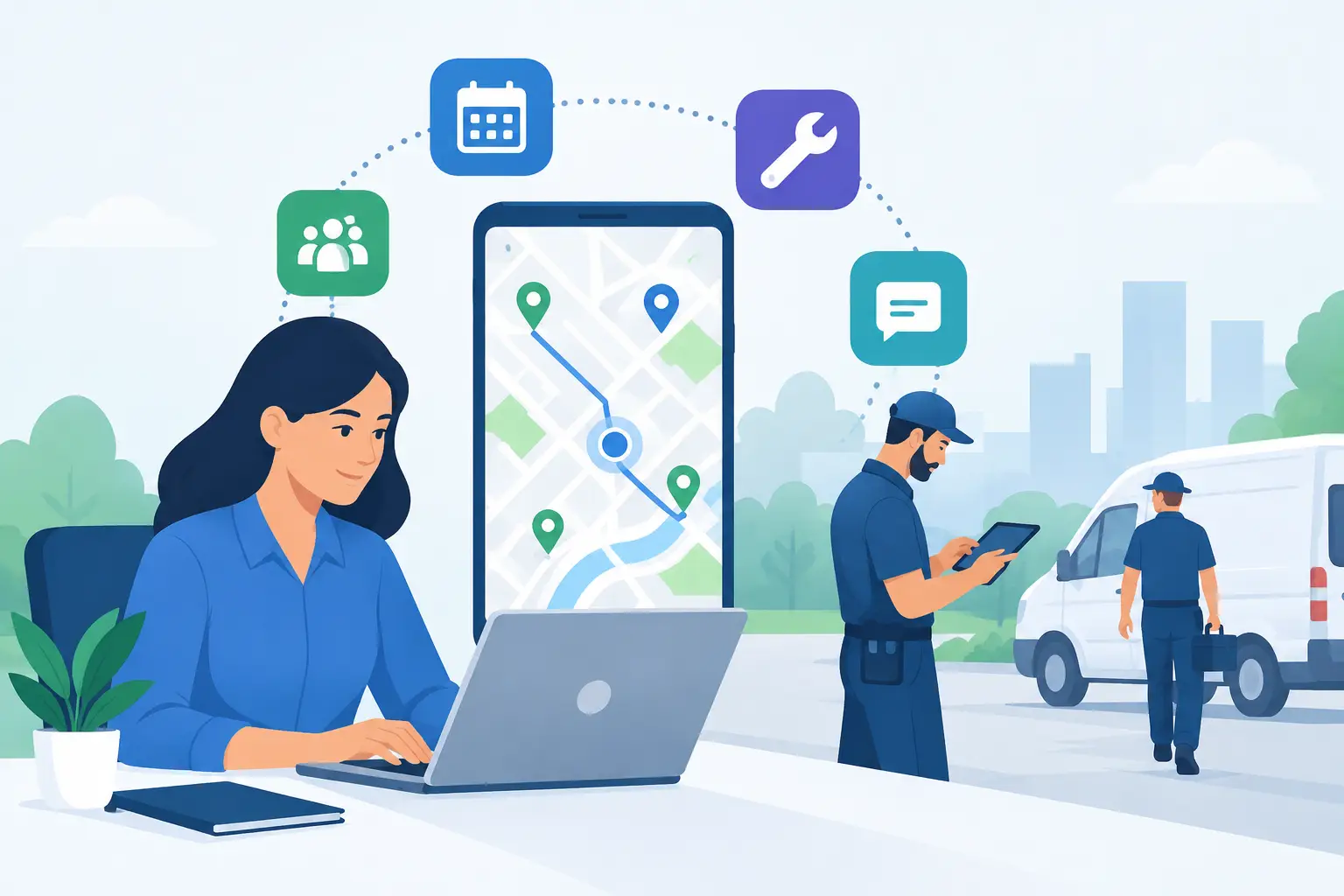
A missed arrival window can turn a good service call into a frustrated customer, a rescheduled appointment, and an avoidable revenue loss. The best apps for field service coordination give office staff and technicians one current view of the work: who is going where, what the customer needs, which parts are required, and whether the job is ready to close.
For small and midsize service businesses, the right platform should reduce phone calls, duplicate entry, and last-minute confusion without creating another complicated system to manage. The best choice depends on your trade, team size, billing process, and how much of your workflow needs to move from paper, spreadsheets, or text messages into one place.
What Field Service Coordination Software Should Solve
Field service coordination is more than putting appointments on a calendar. A useful system connects scheduling, dispatch, customer records, estimates, work orders, technician updates, payments, and follow-up. When those pieces live in separate tools, the office often spends too much time chasing information and correcting avoidable mistakes.
At a minimum, an app should help dispatchers see technician availability, assign the right person to the right job, and send clear job details to the field. Technicians should be able to check customer history, add notes and photos, capture signatures, and mark work complete from a phone or tablet. The office should be able to turn completed work into an invoice without retyping the same information.
The most valuable feature is not always the longest feature list. A five-person HVAC company may benefit more from fast scheduling, customer notifications, and mobile invoicing than from advanced enterprise reporting. A larger plumbing or electrical operation may need service agreements, inventory controls, job costing, and more detailed reporting. Start with the daily problems that cost your team time or create poor customer experiences.
Best Apps for Field Service Coordination
Jobber
Jobber is a strong fit for many home and commercial service businesses that want an approachable all-in-one system. It covers scheduling, dispatching, quotes, invoices, customer communication, payment collection, and technician mobile access. Its layout is generally easy for office staff and field teams to adopt, which matters when replacing a mix of paper forms and texting.
Jobber works especially well for businesses that need to improve the customer journey from initial request through payment. Automated appointment reminders and professional-looking estimates can make a smaller operation feel more organized. The trade-off is that companies with highly specialized workflows, complex inventory needs, or larger multi-branch operations may eventually need more tailored controls.
Housecall Pro
Housecall Pro is designed with home service businesses in mind, including HVAC, plumbing, electrical, cleaning, and similar trades. It provides scheduling, dispatching, estimates, invoices, payments, customer notifications, and mobile tools for technicians. It is often a practical choice for owners who need to get field operations organized quickly without asking staff to learn an overly technical platform.
The platform’s strength is its focus on common service workflows. A technician can review the job, communicate updates, collect payment, and move on to the next appointment with less back-and-forth to the office. Before choosing it, confirm that its reporting, integrations, and pricing structure fit your specific growth plans, particularly if you manage larger projects in addition to service calls.
FieldPulse
FieldPulse is worth considering for service companies that want flexibility without moving to a large enterprise system. It supports scheduling, dispatch, customer management, estimates, invoicing, work orders, and field reporting. The platform can be a good middle ground for businesses that have outgrown basic scheduling tools but do not need the cost and complexity of a platform built for national operations.
Its customization options can help companies match the system to their existing process rather than forcing every team into the same workflow. That flexibility requires setup time. A business should decide which forms, job statuses, and reporting fields are genuinely useful before building too much complexity into the account.
ServiceTitan
ServiceTitan is built for larger residential and commercial service organizations that need deeper operational visibility. It offers broad functionality around dispatch, call booking, estimates, memberships, reporting, marketing, and performance management. For a growing company with multiple teams, recurring service plans, and a need for detailed business reporting, it can provide a more complete operating platform.
That depth comes with a higher commitment. ServiceTitan is not usually the first choice for a small shop that simply needs to coordinate a few technicians and send invoices. It makes more sense when leadership has defined processes, dedicated administrative capacity, and a clear need for the reporting and controls that come with a larger system.
ServiceM8
ServiceM8 is a practical option for smaller field service teams that use Apple devices. It is known for dispatching, job management, quotes, invoicing, forms, and customer communication in a mobile-first environment. For owner-operators and compact teams, its straightforward approach can bring more consistency to jobs without requiring a heavy office setup.
The key consideration is device compatibility and future scale. A company with a mixed Android and iOS workforce should verify that the platform works for every technician before committing. It is often best for teams that value a focused workflow and do not need extensive enterprise-level controls.
Salesforce Field Service
Salesforce Field Service is better suited to organizations already using Salesforce or those with complex service operations. It can support advanced scheduling, work orders, asset history, customer data, and connected workflows across sales, support, and field teams. For a company with intricate service requirements, it offers significant configurability.
For most small and midsize businesses, however, that flexibility can be more than necessary. Configuration, administration, and user training require time and expertise. It is a better fit when the business has a broader Salesforce environment and a clear reason to connect field operations to it.
How to Choose the Right App for Your Team
Begin with the handoffs that fail most often. If the office regularly calls technicians to ask where they are, prioritize dispatch visibility and mobile status updates. If estimates sit unanswered or invoices go out late, focus on quoting, approval, and payment workflows. If customers complain about uncertain arrival times, look closely at automated notifications and technician tracking options.
Then test the app as your team would actually use it. Have an office manager create a customer, schedule a job, reassign a technician, and send an estimate. Have a technician open the job on a phone, add photos, record labor or materials, collect a signature, and close the work order. A polished demo matters less than whether those everyday tasks are quick and clear.
Also consider accounting and website intake. If your business relies on QuickBooks, online service requests, or a customer portal, the field service platform should fit those processes cleanly. Otherwise, staff may still need to copy information between systems, which reduces the value of the new tool.
Avoid a Difficult Rollout
New field service software can improve coordination quickly, but only if the rollout is managed realistically. Clean up customer records before migration. Decide who owns schedule changes, who approves estimates, and when technicians must update job statuses. Clear expectations prevent the app from becoming another place where information is incomplete.
Avoid turning on every feature at once. Start with the core workflow: customer record, job creation, dispatch, technician updates, invoice, and payment. Once the team is comfortable, add forms, automated reminders, recurring service plans, inventory tracking, or deeper reporting. This phased approach gives staff time to build confidence and gives managers a chance to correct process issues early.
Training should be specific to each role. Dispatchers need to understand scheduling rules and exception handling. Technicians need to know exactly what must be documented before leaving a job. Owners and managers need reports that answer practical questions, such as which jobs are profitable, where appointments are delayed, and which customers need follow-up.
When an Off-the-Shelf App Is Not Enough
Most service businesses should start with a proven field service platform rather than commission custom software. Established apps are faster to deploy and already handle common functions well. Custom development becomes more useful when your business has a unique approval process, a specialized customer portal, complex internal forms, or a need to connect several systems that do not communicate well.
A practical technology partner can help evaluate the workflow before you buy, configure the tools around how your office operates, and address the gaps that remain. Set IT Solutions works with businesses that need day-to-day technology support as well as practical improvements to websites, internal tools, and customer-facing workflows.
Choose the platform that makes the next job easier to schedule, easier to complete, and easier to bill. When your office and field team can rely on the same information, customers notice the difference in faster updates, clearer communication, and more dependable service.