









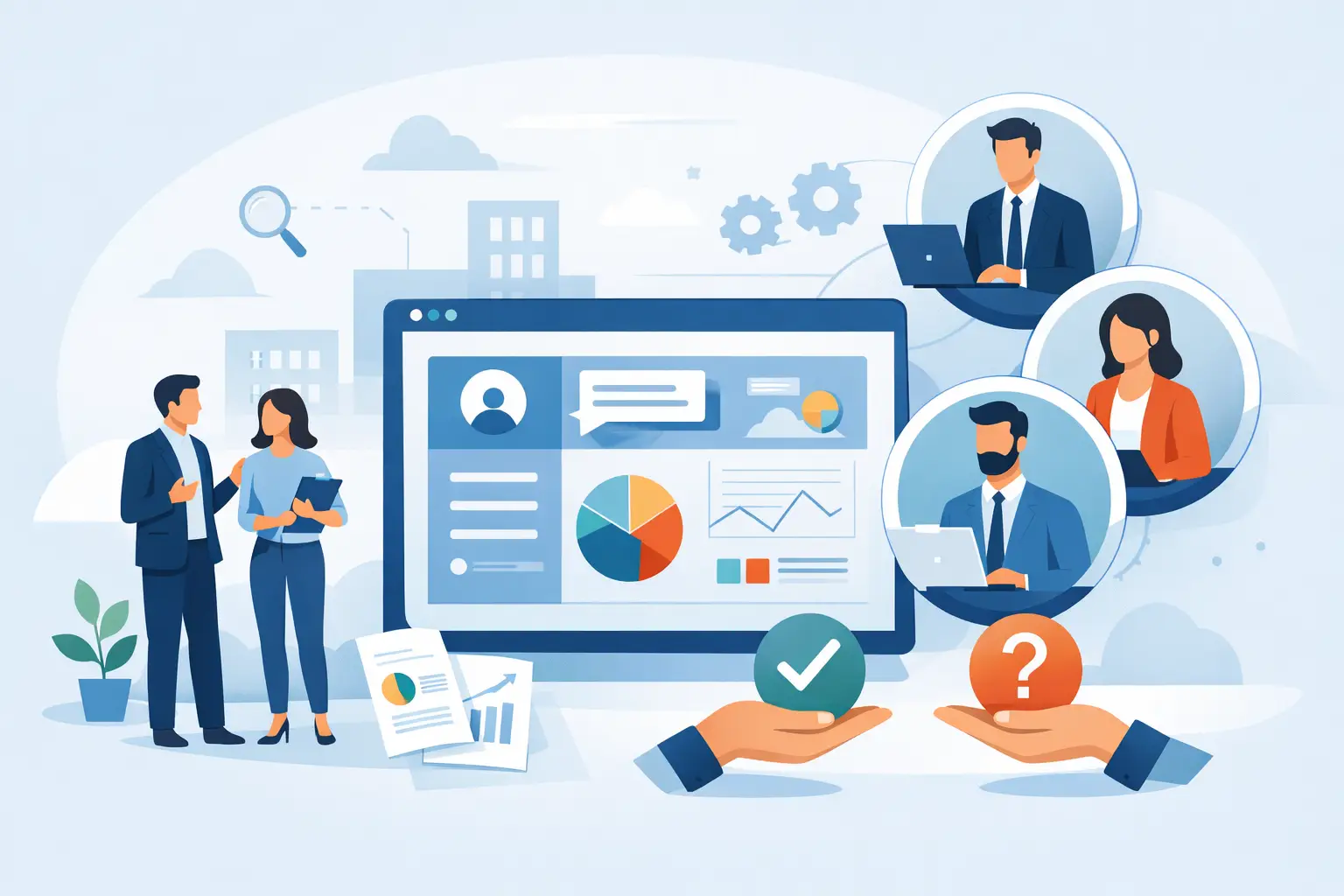
If customers still call or email for basic account details, document access, order updates, or service requests, your team is doing work a portal should handle. A good customer portal development company helps you reduce that back-and-forth, give customers a better experience, and keep internal operations more organized at the same time.
For small and midsize businesses, that matters because staff time is limited. Every manual status update, password reset, invoice resend, and file request pulls attention away from sales, service, and day-to-day operations. A customer portal is not just a software feature. It is a practical business tool that can lower admin workload, improve response times, and make your company easier to work with.
What a customer portal development company should actually build
A customer portal should give users one place to do the tasks that matter most without forcing your team to step in for every action. That often includes secure login, account information, billing records, file sharing, service tickets, appointment details, order history, or project updates. The right mix depends on your business model.
For example, a service business may need messaging, support requests, document exchange, and progress tracking. A company with recurring billing may need invoice access, payment history, and subscription management. A business handling approvals or custom projects may need shared timelines, forms, and status visibility. The portal should reflect how your business already works, while fixing the parts that create delays or confusion.
That is why custom development matters. Many off-the-shelf portal tools look appealing at first, but they can create limitations once you try to fit real workflows into a rigid system. A customer portal development company should be able to evaluate whether your business needs a fully custom portal, a customized platform, or a lighter solution built around existing tools.
When a custom portal makes sense
Not every business needs a large software build. In some cases, a secure client area added to an existing website is enough. In others, the portal needs to connect with internal systems, automate updates, and support multiple user roles.
Custom portal development usually makes sense when you have repeated manual tasks, customer communication bottlenecks, or data spread across too many systems. It also makes sense when your portal needs to connect with accounting software, CRMs, internal databases, service tools, or business-specific workflows.
The trade-off is straightforward. A custom solution gives you more control and a better fit, but it requires stronger planning, a clear scope, and ongoing support. If a company pushes a large custom build before understanding your day-to-day operations, that is a warning sign. Good development starts with business process clarity, not just code.
How to evaluate a customer portal development company
The best fit is usually not the firm with the flashiest presentation. It is the team that can understand your operational needs, design a portal customers will actually use, and support the system after launch.
Start with business understanding. A capable customer portal development company should ask practical questions about how customers interact with your business now, where staff time gets wasted, what information customers need most often, and which internal processes create delays. If they jump straight into design preferences or technology stacks, they may be missing the bigger picture.
Next, look at usability. A portal fails when it becomes another confusing tool customers avoid. The experience should be simple, mobile-friendly, and built around common actions. Customers should not need training to find invoices, upload documents, check project status, or submit requests. If the portal is hard to use, adoption drops and your staff ends up back in the same manual cycle.
Security also matters, especially if customers will access financial records, private documents, account details, or service history. Ask how user authentication is handled, how permissions are managed, how data is stored, and how updates are maintained over time. Security is not just a launch issue. It is part of long-term support.
Then consider integration. Many portals are only as useful as the systems behind them. If your customer data lives in one platform, billing in another, and support requests somewhere else, your portal should reduce friction between those systems, not add another disconnected layer. In some cases, deep integration is worth the investment. In others, simpler sync processes are enough. It depends on how often information changes and how critical real-time accuracy is.
Why support after launch matters as much as development
A portal is not a one-time project that gets ignored once it goes live. Customers forget passwords. Staff need role changes. Workflows shift. Software updates happen. New business needs come up. If the development team disappears after launch, the portal can quickly become outdated or unreliable.
That is why ongoing support should be part of the conversation from the start. The right partner should be able to help with updates, bug fixes, user support, security maintenance, and incremental improvements. For many small and midsize businesses, this is more valuable than a large development team that only handles the build phase.
This is also where working with one responsive technology partner can make a real difference. If your portal connects to your website, internal tools, hosting environment, user accounts, or support systems, it helps to have a team that can manage those moving parts together instead of sending you between separate vendors.
Common portal features that drive real business value
The best customer portals are usually not the ones with the most features. They are the ones that remove the most friction. That may mean giving customers access to the right documents without asking your staff. It may mean offering service updates in one place so customers do not need to call for status checks. It may mean simplifying billing visibility so accounting questions take less time.
Useful features often include secure document sharing, account dashboards, ticket submission, order or project tracking, invoice history, payment options, messaging, and form-based requests. But feature lists should come after workflow planning, not before it.
A common mistake is trying to put everything into version one. That can increase cost, delay launch, and create a portal that feels cluttered. In many cases, a phased approach works better. Start with the actions customers request most often. Then add features based on usage and business priorities.
Red flags to watch for during the selection process
Some portal projects struggle because the wrong company was hired, not because the idea was bad. One red flag is vague scoping. If the company cannot clearly explain what is included, how the portal will function, and what assumptions affect pricing, you may run into change orders and delays later.
Another red flag is overengineering. Small and midsize businesses often need practical tools, not a complex platform loaded with features nobody uses. A good partner should help you simplify where possible.
You should also be cautious if support is treated as an afterthought, if security questions get shallow answers, or if the company has little interest in how your staff and customers actually use technology. A portal is only successful when it fits real behavior.
What a good project process looks like
A strong portal project usually begins with discovery. That means identifying customer needs, internal pain points, access levels, required integrations, and the specific actions the portal should support. After that, wireframes or interface concepts help define how users will move through the system before full development begins.
From there, development should stay tied to clear milestones. You want visibility into progress, testing, revisions, and launch planning. Training and documentation may also be needed, depending on how many staff members will manage the portal internally.
The best process is not always the most elaborate one. It is the one that keeps communication clear, surfaces issues early, and stays focused on business value rather than technical complexity.
Choosing the right fit for your business
If you are comparing providers, focus less on broad claims and more on whether the company can build something useful, maintainable, and aligned with your operations. The right customer portal development company should understand customer experience, internal workflows, support expectations, and the reality of running a growing business with limited time.
For many companies, the ideal partner is not just a developer. It is a team that can connect the portal to the rest of your technology environment and keep it working as your needs change. That practical, support-minded approach is often what turns a portal from a nice idea into a tool your customers use and your team relies on.
A good customer portal should make business easier on both sides of the relationship. If it saves time, reduces confusion, and gives customers better access to what they need, it is doing its job.