









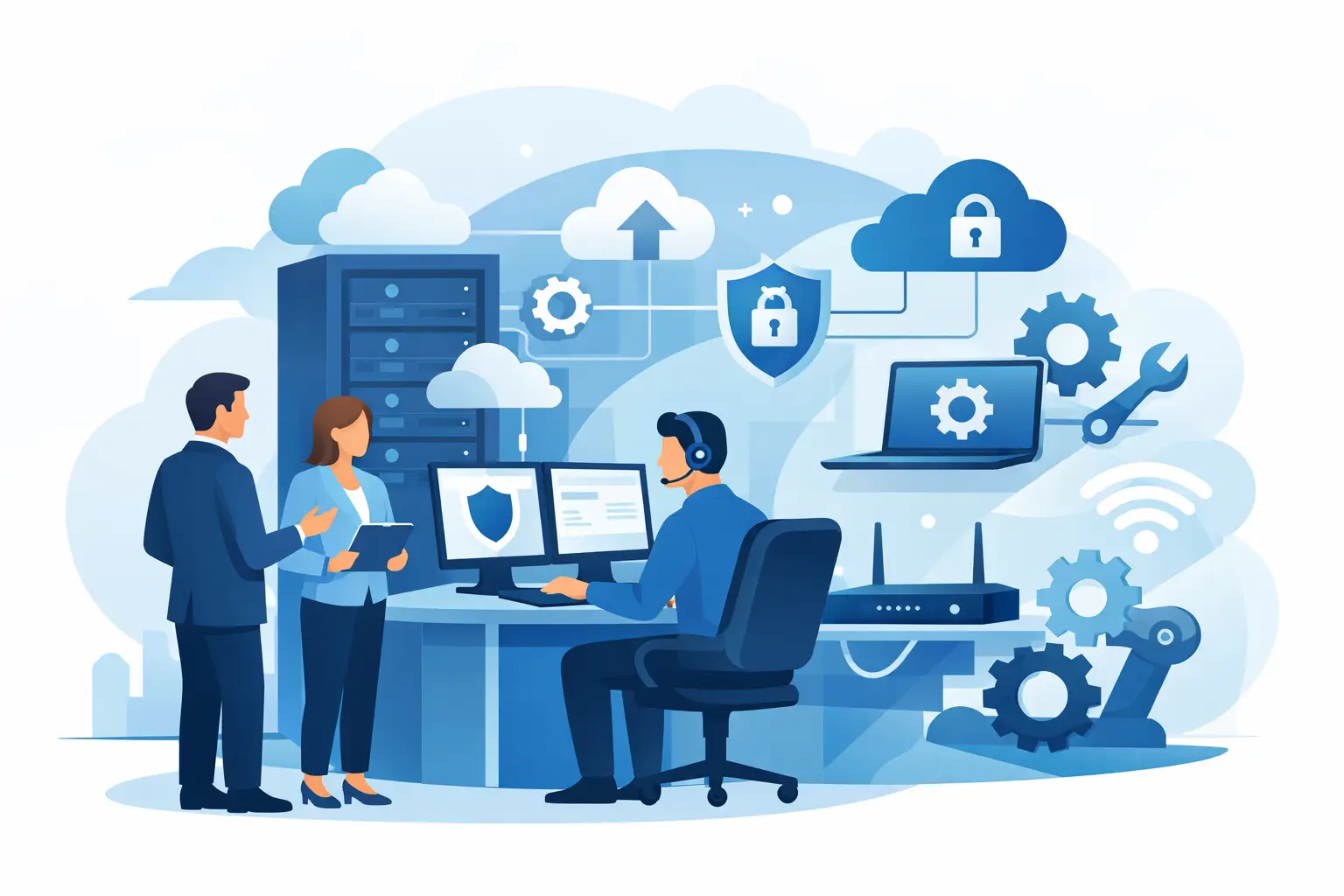
A staff member cannot access a shared file. The office Wi-Fi drops during a client call. Your website contact form stops sending leads. These are not separate business problems, but they often get sent to separate vendors. That is where outsourced IT can make a meaningful difference. What does outsourced IT include? At its best, it includes the day-to-day support, systems oversight, security, and practical digital help needed to keep a business operating without adding a full internal technology department.
For small and midsize businesses, the right scope is not simply a help desk that resets passwords. It is a responsive working relationship with a team that understands how your staff works, where customer leads come from, and which systems cannot afford to fail.
What Does Outsourced IT Include?
Outsourced IT is a service arrangement in which an external provider takes responsibility for some or all of your technology needs. The exact services depend on the provider and agreement, but the goal is consistent: give your business access to technical expertise and support without the cost and management demands of hiring a full in-house team.
A practical outsourced IT relationship commonly covers four connected areas:
- Everyday user support for computers, accounts, email, printers, connectivity, and software issues
- Technology maintenance and security, including updates, backups, device protection, and access controls
- Planning and administration for the systems your business relies on
- Digital projects and workflow improvements, such as websites, internal tools, portals, and process automation
Not every provider handles all four areas. Many traditional managed service providers focus on infrastructure, devices, and security. Others specialize in project work. A broader technology partner can connect operational IT support with the website, software, and workflow tools that directly affect customer service and revenue.
Day-to-Day Technical Support
The most visible part of outsourced IT is support when something is not working. Employees need a clear place to go when they cannot log in, email is misbehaving, a shared drive is unavailable, or a new employee needs access to business systems.
This support may be handled remotely for quick fixes, with on-site assistance available when a problem involves physical equipment, network hardware, or office setup. A good provider does more than close tickets. They document recurring issues, identify patterns, and reduce interruptions over time.
For example, repeated printer problems may point to a network configuration issue rather than a series of isolated employee mistakes. Frequent account lockouts may reveal a confusing login process or an access policy that needs adjustment. Reliable support turns those recurring frustrations into solvable operational issues.
Device, Account, and Software Management
Outsourced IT often manages the technology employees use every day. That can include setting up laptops, configuring company email, managing user accounts, installing approved software, and preparing devices for new hires.
It also includes offboarding. When someone leaves, access should be removed promptly from email, file storage, financial systems, customer records, and other business tools. This protects sensitive information and prevents old accounts from becoming a security gap.
The details matter. A provider should know which applications are business-critical, who needs access, and how to make changes without slowing down the team.
Security, Updates, and Business Continuity
Security is one of the strongest reasons businesses outsource IT, but security is not a single product. It is an ongoing set of practices that reduces risk and helps the business recover if something goes wrong.
Typical services include endpoint protection on computers, operating system and software updates, multi-factor authentication, email security, access management, and monitoring for suspicious activity. Backup management is also central. A backup that has never been reviewed or tested is not the same as a recovery plan.
Outsourced IT can help establish practical safeguards around common risks, including phishing emails, lost devices, weak passwords, and accidental file deletion. The right approach should fit the size and needs of the business. A small office does not need enterprise-level complexity, but it does need reasonable protection and a clear response plan.
Backups and Recovery Planning
A backup service should answer more than one question: Are files being copied? Where are they stored? How long are they retained? How quickly can they be restored? Can the business continue serving customers while systems are being recovered?
For some businesses, restoring Microsoft 365 files and a line-of-business application may be the priority. For others, maintaining website availability, customer records, or remote access may matter most. Your outsourced IT provider should help define priorities before an outage creates urgency.
Network and Systems Oversight
Most organizations rely on a mix of internet service, Wi-Fi, routers, workstations, cloud applications, phones, shared storage, and specialized software. When no one owns the overall picture, small problems can compound quickly.
Outsourced IT includes maintaining and documenting this environment. That may involve network configuration, Wi-Fi reliability, vendor coordination, software licensing, cloud account administration, and hardware recommendations. The provider may not control every vendor, but they should help make sure the pieces work together.
This oversight is especially useful when the business is growing, moving offices, adding remote employees, or replacing aging equipment. Instead of buying technology one item at a time under pressure, leaders can make decisions based on what supports the business over the next several years.
Websites, Apps, and Digital Workflows
For many small businesses, the website is not separate from IT. It is a source of leads, a customer information hub, and sometimes a key part of operations. Yet website updates often sit with a designer, while technical issues go to an IT vendor and internal process needs go unresolved.
A more complete outsourced technology model can include WordPress support, business website development, form troubleshooting, hosting coordination, conversion-focused page improvements, and ongoing content or design updates. It may also include custom internal tools, customer portals, and lightweight applications that remove manual work.
Consider a service business that receives leads through its site, enters them into a spreadsheet, assigns them by email, and manually follows up. The issue is not only website design or staff discipline. It is a workflow problem. A technology partner can improve the form, route inquiries to the right person, organize information in a shared system, and create clearer follow-up steps.
Set IT Solutions takes this connected approach because practical technology support should help a business stay productive and present itself well to customers. When the team supporting your staff can also improve the digital tools they use, there are fewer handoffs and less time spent explaining the same problem to multiple vendors.
What May Not Be Included Automatically
The phrase outsourced IT can cover very different service levels, so it is worth reviewing the agreement closely. A monthly support plan may include remote help desk support and basic monitoring but treat new hardware, office moves, after-hours emergencies, major cybersecurity incidents, and website redesigns as separate projects.
That is not necessarily a problem. Project-based pricing is often the right model for substantial work with a defined scope. The important point is clarity. Know what is covered, what is billed separately, how urgent issues are handled, and who is accountable when a third-party vendor needs to be involved.
Businesses should also avoid assuming that an IT provider automatically manages every software platform. Accounting tools, industry-specific applications, payroll systems, and customer relationship management platforms may require coordination with their own support teams. Your IT partner can still help diagnose access, device, network, and integration issues, but the software vendor may own the application itself.
How to Choose the Right Scope
Start with your real operational needs rather than a generic list of technology services. Look at where staff lose time, where customers experience friction, and what would cause the most disruption if it stopped working.
Ask potential providers how they handle response times, documentation, security updates, backups, employee onboarding, and recurring issues. If your website and internal processes are important to growth, ask whether they can support those areas too or whether you will need additional vendors.
The best fit depends on your business. A company with stable systems may need dependable support and security oversight. A growing company may also need a stronger website, better lead handling, new internal tools, and guidance on how technology should support expansion. In either case, the value comes from having someone who understands the work behind the technology, not just the technology itself.
A useful next step is to list the systems your team touches each day, from email and phones to the website and customer records. The gaps between those systems often show exactly where the right outsourced IT support can save time, reduce risk, and make work easier for everyone involved.