









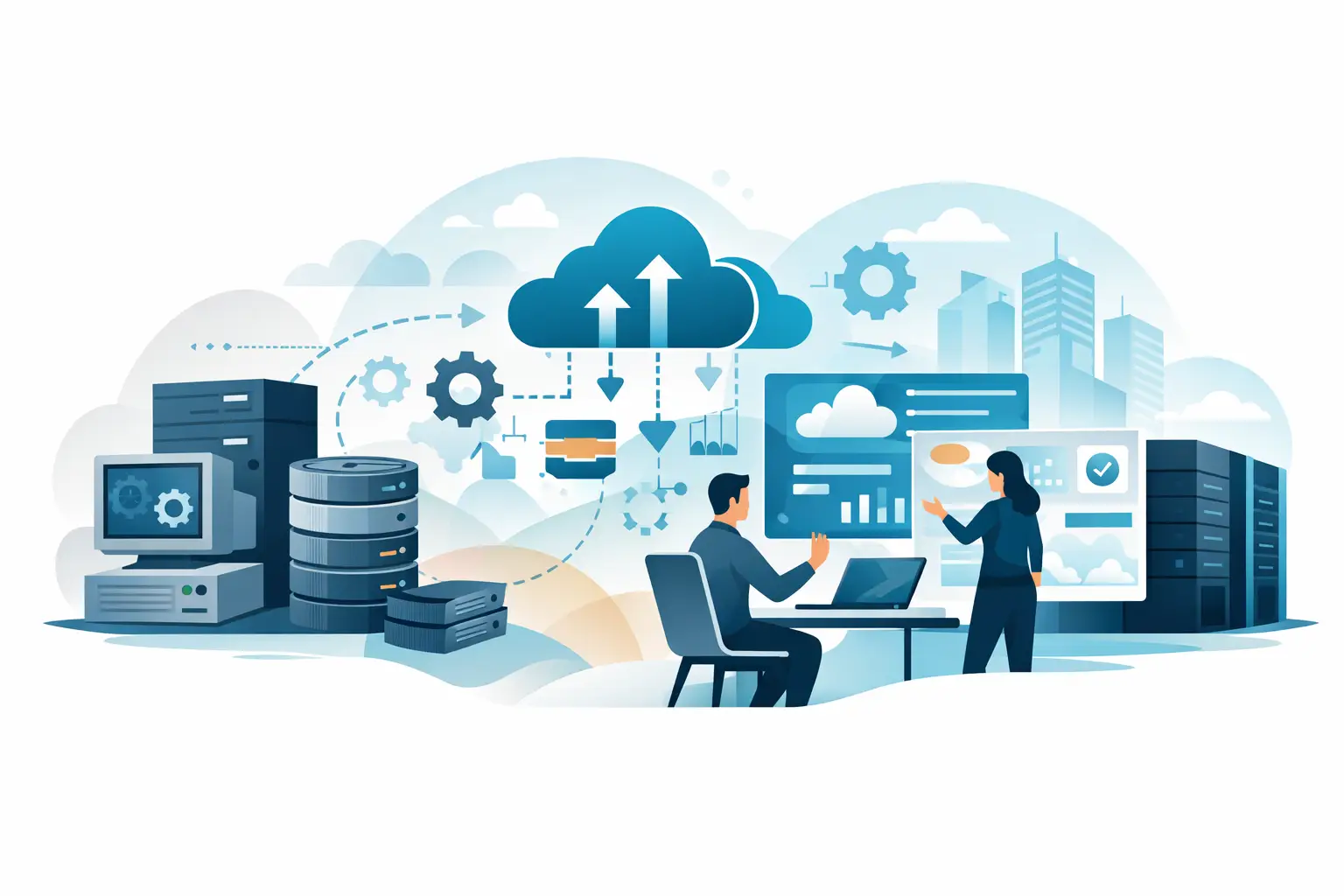
A legacy system does not have to be old to create problems. It may be a spreadsheet that only one employee understands, an accounting tool that will not connect to your CRM, a website form that requires manual follow-up, or aging hardware that fails at the worst possible time. Knowing how to modernize legacy business systems starts with recognizing where those daily workarounds are costing your business time, visibility, and customer confidence.
For a small or midsize business, modernization is rarely about replacing every platform at once. That approach can be expensive, disruptive, and unnecessary. The better goal is to improve the systems that matter most while keeping the business running reliably throughout the process.
Start With Business Friction, Not Software Features
Technology projects often stall because the conversation begins with products rather than problems. Before evaluating new software, document the points where work slows down, information gets lost, or employees have to repeat the same task.
Look closely at customer intake, quoting, scheduling, invoicing, internal approvals, reporting, file storage, and employee support requests. Ask the people doing the work where they spend the most time and what breaks most often. An owner may see a reliable accounting system, while the office team sees duplicate data entry, late invoices, and reports that take half a day to prepare.
This process gives modernization a business case. Instead of saying, “We need a new system,” you can say, “We need to reduce quote turnaround from two days to two hours,” or “We need online requests to reach the correct team member without manual forwarding.” Clear outcomes make better decisions possible.
Create a Practical Inventory of What You Have
Most businesses have more systems than they realize. Include computers, servers, Wi-Fi equipment, phones, cloud applications, shared drives, websites, forms, databases, subscription tools, and any custom spreadsheets or internal apps. Record who owns each system, who uses it, what it connects to, and what happens if it becomes unavailable.
Do not overlook informal processes. A shared inbox, a personal employee login, or a spreadsheet saved on one computer can be a critical business system even if it was never planned that way. These are often the highest-risk areas because they depend on a single person or lack proper backup and access controls.
This inventory also helps separate systems that are merely familiar from systems that are truly essential. Some older tools may still perform well and can remain in place. Others may be creating security exposure, limiting growth, or requiring so much manual effort that replacement is justified.
Prioritize by Risk and Business Impact
Not every legacy issue deserves the same urgency. A dated internal report may be inconvenient, while unsupported operating systems, unreliable backups, and customer-facing website failures require immediate attention.
A practical priority order usually starts with security and continuity. Unsupported software, weak passwords, inconsistent user access, missing backups, and aging network equipment can create serious operational risk. Next, focus on systems that affect revenue or customer service, such as website lead forms, scheduling tools, payment workflows, and customer portals. Then address internal efficiency improvements that save staff time and give leadership better visibility.
The right order depends on your business. A professional services firm may need stronger document management first. A contractor may benefit most from improving field-to-office communication. A retail business may need to stabilize point-of-sale and inventory workflows before revisiting its website. Modernization should follow the work that drives the business, not a generic technology checklist.
Decide Whether to Replace, Integrate, or Improve
Modernization does not always mean a full replacement. There are three common paths, and many businesses use a combination of all three.
Replace systems that are unsupported or holding you back
Replacement makes sense when a system no longer receives security updates, cannot support current business needs, or costs too much to maintain. It may also be the best option when a platform cannot integrate with the tools your team relies on. Moving to a modern cloud-based business application can improve access, reporting, and support, but only if the new tool fits your real workflow.
Integrate systems that still do their core job well
Sometimes the issue is not the system itself but the gap between systems. If employees are moving data manually between a website, email inbox, CRM, and accounting platform, integration or automation may remove the bottleneck without forcing a major replacement. A customer form that automatically creates a lead record and alerts the right person can eliminate missed opportunities with a targeted improvement.
Improve the process around a workable system
A system may be perfectly usable but poorly organized. Cleaning up user permissions, standardizing file locations, creating templates, improving device management, or documenting a repeatable process can deliver meaningful gains. This is often the fastest way to reduce frustration while planning larger upgrades.
Plan the Migration Before You Announce It
The technology change is only one part of modernization. Data cleanup, user training, process design, and support after launch determine whether the project actually succeeds.
Before moving data, decide what should come forward and what should be archived. Old customer records, duplicate contacts, outdated files, and inconsistent naming conventions can create problems in a new system if they are transferred without review. A migration is a useful opportunity to reduce clutter, but do not turn it into an endless cleanup project. Focus first on the information employees need to serve customers and operate the business.
Build a rollout plan that names the people responsible for decisions, testing, training, and employee questions. Test with real scenarios, not just sample data. Can a team member find a customer record, submit a request, prepare an invoice, or recover a file when needed? If the new process fails in routine situations, fix it before the broader launch.
Protect Business Continuity During the Change
The most effective modernization projects are phased. Rather than changing every system in one weekend, move one workflow or department at a time when possible. A phased approach lets you identify issues early, adjust training, and avoid putting the entire business at risk.
Keep a backup plan for each critical change. Confirm that data is backed up, access can be restored, and the old system remains available for a defined transition period when appropriate. For customer-facing changes, such as a website redesign or new online portal, make sure contact methods, forms, and key information remain available throughout the launch.
Communication matters as much as technical preparation. Employees need to know what is changing, why it is changing, where to get help, and what is expected of them. Customers may only need notice if their logins, billing, ordering, or communication process will change. Keep the message clear and focused on what improves for them.
Treat Your Website as Part of the Business System
For many growing businesses, the website is no longer just a digital brochure. It is a source of leads, service requests, appointment bookings, payments, support questions, and customer trust. An outdated site can create the same type of operational drag as outdated internal software.
Review whether your website is easy to update, secure, mobile-friendly, and connected to the way your team follows up with prospects. If leads arrive without clear routing, forms do not work reliably, or staff must manually copy information into another system, the site needs operational improvement as well as design attention.
A stronger website should support the next step in your workflow. That may mean clearer conversion paths, better forms, integration with a CRM, an employee portal, or a customer login area. The best solution depends on the volume and complexity of the work, but the goal is consistent: fewer dropped handoffs and faster responses.
Measure Results and Keep Improving
Modernization should produce visible improvements. Set a few measurements before the project begins, such as time to respond to a lead, number of support issues, invoice turnaround, system downtime, time spent on manual data entry, or website conversion rate. Review those measurements after launch and again after employees have had time to adapt.
Not every improvement shows up immediately in a report. Better reliability, fewer interruptions, and faster support can reduce stress across the organization. Still, measurable results help leaders decide which next project will have the greatest value.
Technology will keep changing, but your business does not need to chase every new tool. The best path forward is a steady one: address the risks, remove the friction, support your people, and make each system earn its place in the way your business operates.