









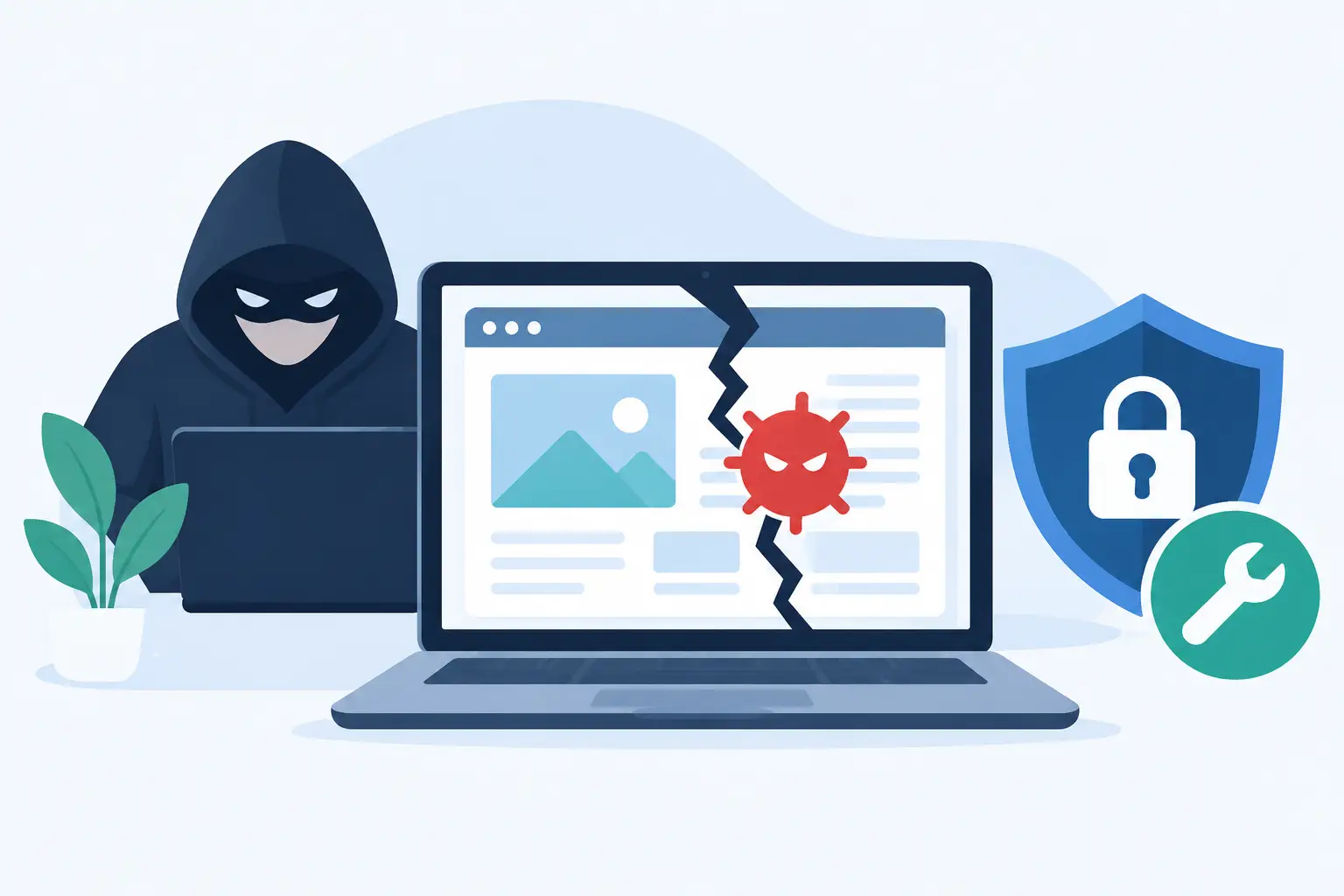
A business website can be compromised without anyone specifically targeting your company. That is the reality behind why websites get hacked: most attacks are automated, opportunistic, and designed to find common weaknesses at scale. A neglected plugin, reused password, outdated server setting, or unprotected form can be enough to put your website, customer information, and business reputation at risk.
For small and midsize businesses, the consequences are rarely limited to a technical inconvenience. A hacked website can interrupt leads, expose customer data, damage search visibility, send spam from your domain, or create a costly cleanup project at the worst possible time. Understanding the usual causes makes it much easier to make practical decisions about website maintenance and security.
Why Websites Get Hacked So Often
Hackers look for the easiest available entry point. They do not need a sophisticated plan if a website has a known vulnerability, an administrator account protected by a weak password, or software that has not been updated in months. Automated bots continuously scan websites for these openings.
This is why a smaller business is not “too small” to be a target. An attacker may not know your company name or care what your business does. Their software simply finds sites that meet a certain condition, such as a vulnerable version of a content management system, an exposed login page, or a plugin with a known security flaw.
In many cases, the issue is not that a website was poorly built. It is that the site was launched, then treated as a finished product. Websites require ongoing attention in the same way business computers, email accounts, and financial systems do.
Outdated Software Creates Easy Openings
Most business websites rely on a collection of software: a content management system such as WordPress, a theme, plugins, forms, payment tools, analytics, and hosting services. Each component can introduce risk if it is outdated or no longer supported.
Software updates often include security patches. When a provider announces a vulnerability and releases a fix, attackers begin looking for websites that have not applied it. Delaying updates can be reasonable when a custom feature needs to be tested first, but leaving known vulnerabilities unaddressed is not a safe long-term trade-off.
Plugins deserve particular attention. They make websites more useful, but every unnecessary plugin adds another piece of code to maintain. A form plugin, page builder, appointment tool, or marketing integration may be valuable to your operations. An abandoned plugin that no one remembers installing is different. It creates risk without providing value.
A useful rule is to keep only the tools your business actively uses, remove inactive plugins and themes, and verify that essential software is still supported by its developer.
Weak Login Security Is Still a Major Problem
Stolen or guessed credentials remain one of the most common ways attackers gain access. A password such as a company name, a common phrase, or a variation of the same password used elsewhere can be cracked or exposed through another breached service.
Website administrator accounts need strong, unique passwords and multi-factor authentication. This matters for every person who can access the site, including employees, contractors, former vendors, and marketing partners. One old administrator account can become a quiet point of entry long after a working relationship has ended.
Access should match the person’s actual responsibility. A team member who publishes occasional blog posts may not need full administrator access. A developer may need elevated access during a project, but that access can be reduced when the work is complete. Keeping permissions limited makes mistakes and account compromises less damaging.
Phishing Can Lead Attackers Around Technical Defenses
Not every website breach begins with a flaw in the website itself. Some begin with an email that appears to be from a hosting company, domain registrar, website provider, or trusted coworker. The message creates urgency, asks someone to sign in, and captures their credentials on a fake page.
This approach works because it targets people rather than code. Even a well-maintained website can be compromised if an authorized user gives away their login information.
Businesses can reduce this risk by training employees to pause before responding to account alerts, invoice notices, password reset requests, and domain renewal messages. Staff should navigate directly to a known provider portal rather than signing in through an unexpected email. Multi-factor authentication provides another layer of protection when a password is exposed.
Hosting and Configuration Problems Leave Gaps
A website’s security also depends on the environment around it. Poor hosting configuration, outdated server software, exposed file permissions, missing security certificates, or weak database protections can create openings that are not visible from the front end of the site.
Shared hosting can be a sensible choice for a simple website with modest traffic and a limited budget. The key is choosing a provider that actively maintains its systems and offers appropriate account isolation, backups, malware monitoring, and support. As a business grows, its website may need a hosting setup with greater control, performance, or security oversight.
Configuration is one area where do-it-yourself changes can create unintended problems. A setting that makes file uploads easier, for example, may also allow unsafe files if it is not configured correctly. The goal is not to make a website difficult to manage. It is to set it up so ordinary business tasks do not create unnecessary exposure.
Third-Party Tools Can Expand the Risk
Modern websites often connect to payment processors, customer relationship management systems, email marketing platforms, scheduling tools, chat widgets, and analytics services. These integrations support sales and customer service, but they also expand the number of accounts and permissions that need to be managed.
An integration should be reviewed when it is installed and again when business needs change. If a tool is no longer used, remove its access. If it can access customer information, confirm who owns the account, who can log in, and whether multi-factor authentication is enabled.
The practical question is not whether to avoid third-party tools altogether. Most businesses benefit from them. The question is whether each connection is necessary, maintained, and understood by someone accountable for the website.
What a Website Hack Can Cost a Business
The visible effects of a hack can include defaced pages, pop-up spam, redirects to unsafe sites, or a warning in search results. More subtle attacks can be harder to detect. An attacker may add hidden links, create unauthorized administrator accounts, collect form submissions, or use the site to send malicious emails.
That can affect more than the website. Prospective customers may lose confidence if they encounter a browser warning or suspicious content. Employees can lose access to essential tools. Search engines may reduce visibility until the problem is fixed. If customer data is involved, the business may also have notification, legal, and compliance obligations.
Recovery can require forensic review, malware removal, restoration from clean backups, password resets, security updates, search cleanup, and customer communication. A current backup reduces downtime, but it only helps if the backup was created before the compromise and can be restored successfully.
Practical Steps to Reduce Website Risk
No website can be guaranteed immune from attack. The goal is to reduce avoidable risk, detect problems early, and have a clear response plan. For most small and midsize businesses, the following practices provide meaningful protection:
- Keep the website platform, theme, plugins, and server software updated on a documented schedule.
- Use unique passwords, multi-factor authentication, and role-based access for all website and hosting accounts.
- Remove unused plugins, themes, user accounts, integrations, and old staging sites.
- Maintain automated backups and periodically test whether they can be restored correctly.
- Use security monitoring that can identify malware, file changes, suspicious logins, and uptime problems.
- Keep a current record of your domain registrar, hosting provider, website administrator accounts, and emergency contacts.
The right level of oversight depends on what the website does. A simple informational site has different needs than a site that accepts payments, stores customer records, provides client portal access, or connects to internal systems. Higher-risk websites usually justify more frequent reviews and closer technical support.
If You Think Your Website Has Been Hacked
Act quickly, but avoid making random changes that can make investigation harder. Start by documenting what you see: error messages, suspicious pages, unusual logins, changes in search results, or customer reports. Then contact the person or team responsible for your hosting and website support.
A proper response usually includes isolating the issue, scanning for malicious files, reviewing user accounts, changing credentials, applying updates, restoring clean files where needed, and checking for hidden backdoors. Simply deleting the visible spam page may not remove the underlying access point.
It is also wise to review related accounts, including hosting, domain registration, business email, payment services, and connected marketing tools. If one set of credentials was compromised, other accounts using the same password may be at risk.
A website should support your sales, service, and daily operations without becoming another source of uncertainty. Regular maintenance, clear account ownership, and responsive technical support give your business a far better chance of staying online, protecting customer trust, and addressing issues before they become a larger disruption.